Author: Miriam Reviewed by: Ryan Rusu
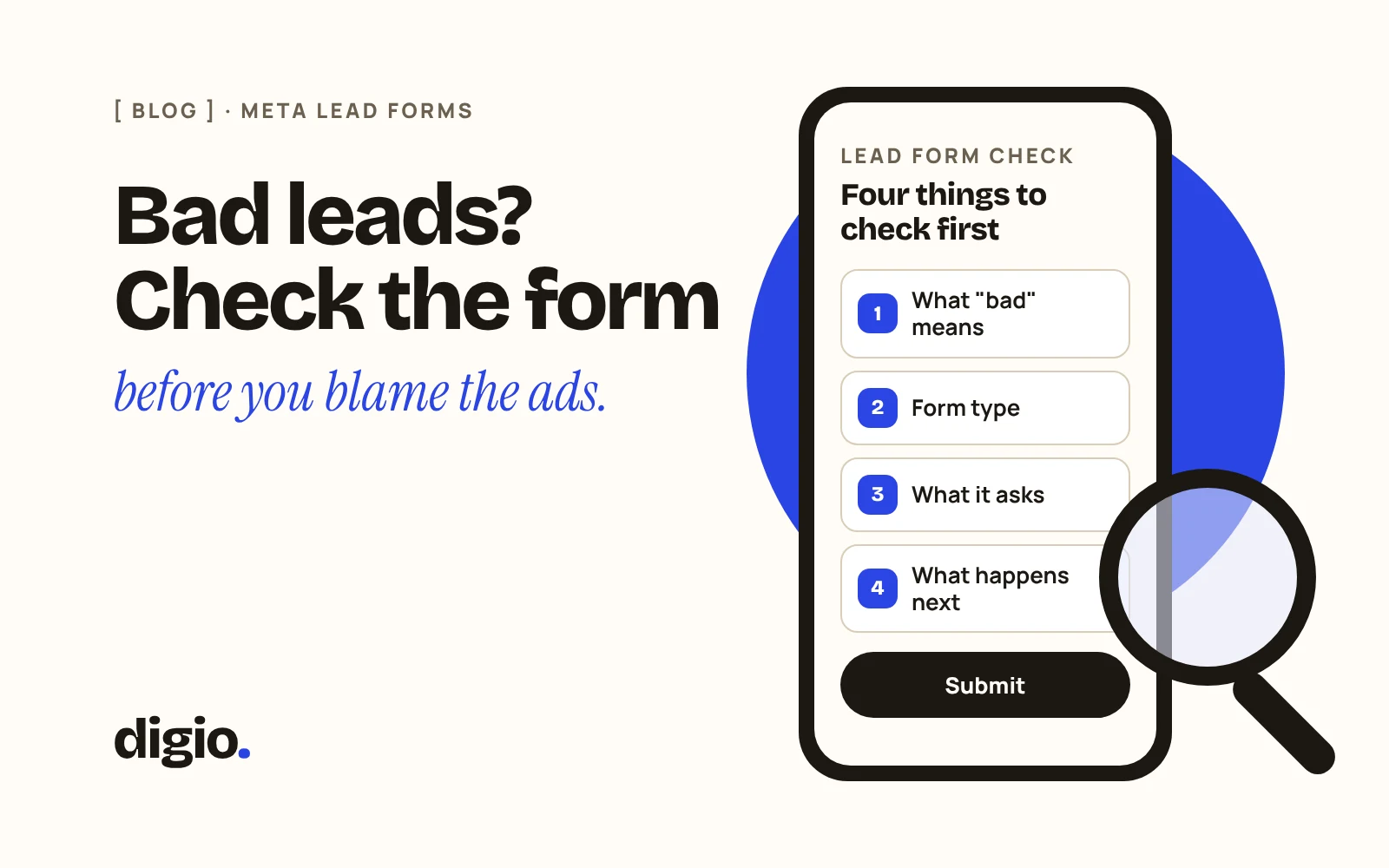
Before you blame the ads, check four things: what “bad” means in your own records, which type of form you are using, what the form asks, and what happens after someone submits it. Most of these can be checked in a few minutes, and two of them are settings your agency can change.
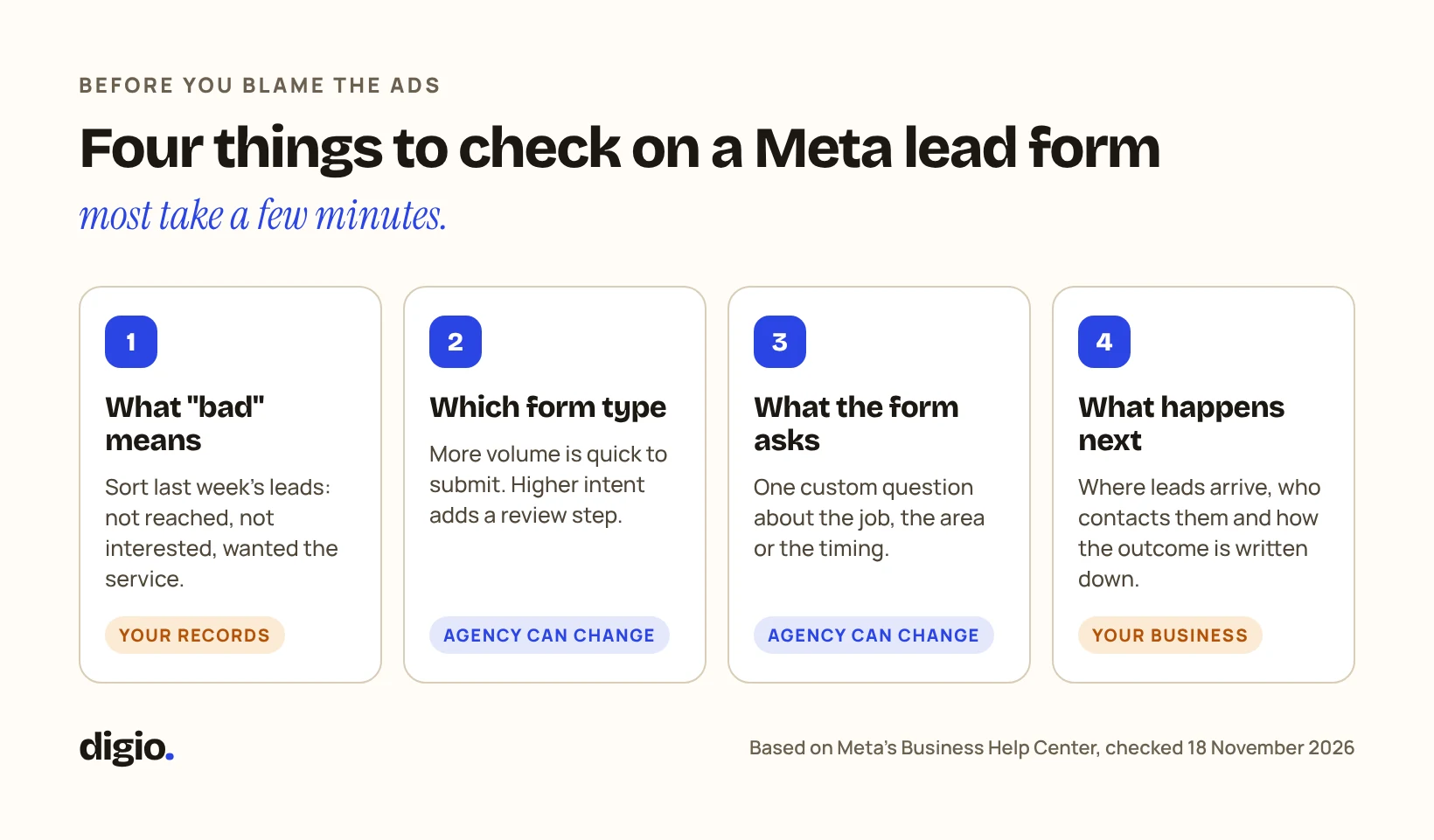
A lead form, which Meta calls an Instant Form, opens inside Facebook or Instagram when someone taps your ad. Meta describes it as a way to collect information from people interested in your business without them having to leave Facebook or Instagram, and the form can include custom questions as well as contact details.
The example below is a made-up home renovation company in Dubai.
Illustrative example · fictional figures. It is not a DIGIO report and it does not show any client’s results.
1What exactly is wrong with the leads?
“Bad leads” is three different problems, and each has a different fix. Sort last week’s leads into these groups before you change anything:
Check it yourself: Take last week’s leads and write one of those three labels next to each. If you can’t, because nobody recorded what happened, that is the first problem to solve.
2Which type of form are you using?
Meta offers more than one form type, and the choice changes how easy the form is to submit. Meta’s instructions describe More volume as a form that is quick to fill out and submit on a mobile, and Higher intent as a form that adds a review step where people confirm their information. More volume is the default, so a form nobody changed will be that type.
Neither is right for every business. A quick form asks less of the person. A review step gives them a moment to check what they are sending.
Check it yourself: Ask your agency which form type each of your lead ads uses, and why. If they don’t know, ask them to look it up in the form settings.
3What does the form ask?
A form that asks only for a name and phone number tells you nothing about what the person wants. Meta’s forms allow custom questions, so you can ask one thing that matters to you: the area, the type of job, or when they need it.
Keep it to what you will use. Every extra question is something the person has to answer on a phone.
Check it yourself: Open your own ad on your phone and fill in the form as a customer would. Note what it asks, and whether the answers would help you decide who to call first.
4What happens after someone submits the form?
A lead is only as good as the follow-up. Meta says submitted leads can be downloaded from Ads Manager or Meta Business Suite, or retrieved through a connected CRM. If nobody in your business knows where they arrive, they are not being called.
Agree three things: where leads arrive, who contacts them, and how the outcome is written down.
Check it yourself: Submit a test lead yourself and time how long it takes for someone in your business to notice it.
5Count the three groups before you judge the ads
Ad spend divided by forms is the least useful figure. Divide it by the leads you reached and by the leads who wanted the service as well. Two of those three numbers come from your own records, not from Meta. If you want the full set of questions for an agency report, see how to read a Facebook and Instagram ads report.
In the example, the report covers 1 to 7 September. The company logged what happened to each lead by 14 September.
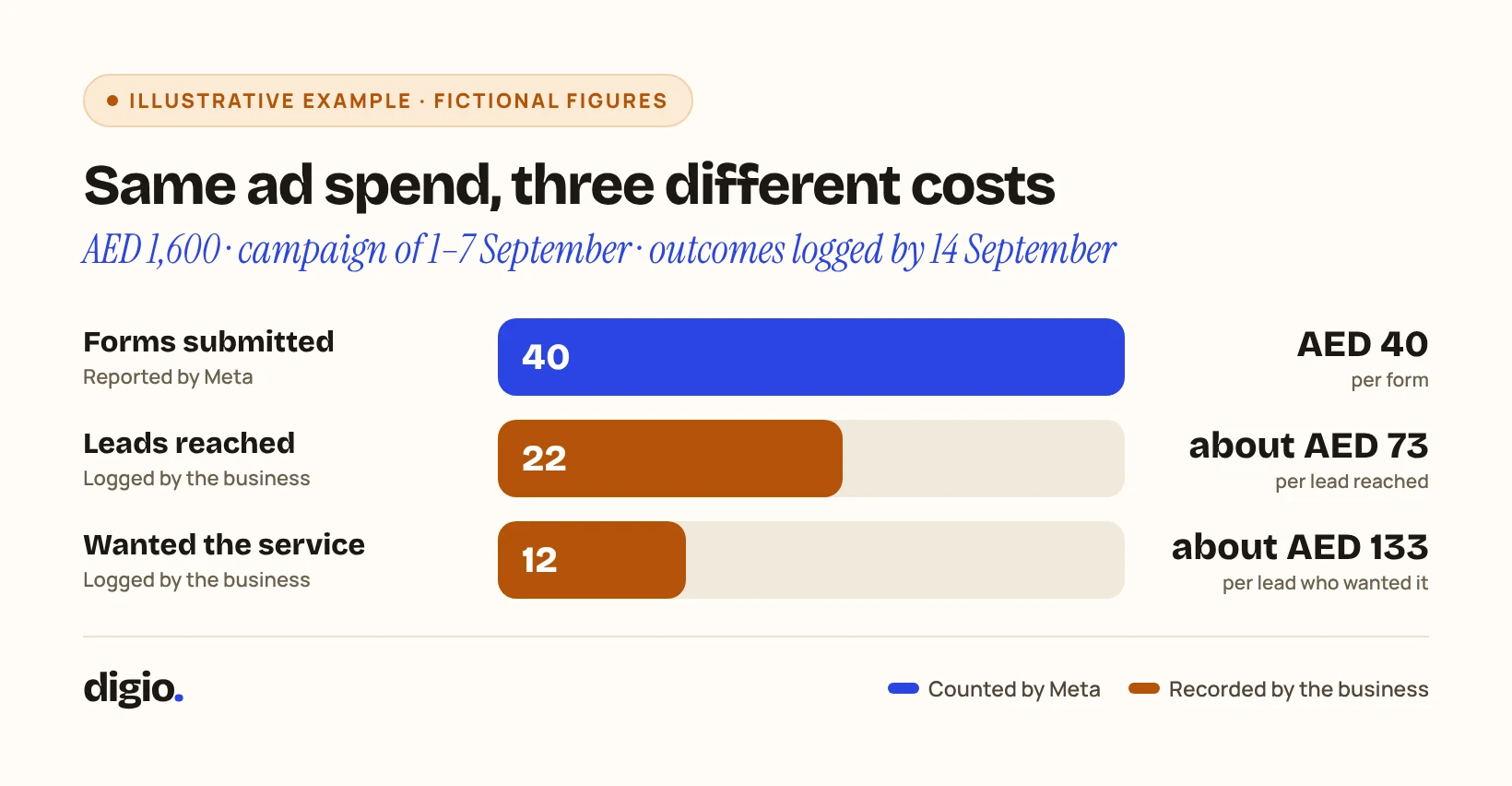
| Metric | Campaign, 1–7 September |
|---|---|
| Ad spend | AED 1,600 |
| Forms submitted (reported by Meta) | 40 |
| Ad spend per form | AED 40 |
| Leads reached by the business, as of 14 September | 22 |
| Ad spend per lead reached | about AED 73 |
| Leads who wanted the service, as of 14 September | 12 |
| Ad spend per lead who wanted the service | about AED 133 |
The table shows where the leads were lost, not why. Eighteen of the 40 were not reached, and the example does not say whether that came from the form, the audience or the follow-up.
Check it yourself: For one campaign and one week, count forms, leads reached and leads who wanted the service. Divide that campaign’s ad spend for the week by each number. Use only that week’s leads, and count what happened to them on a fixed date, such as one week later.
6What to ask your agency
Take these four questions to your next call with the agency. Each one points to a check in this article.