Author: Miriam Reviewed by: Ryan Rusu
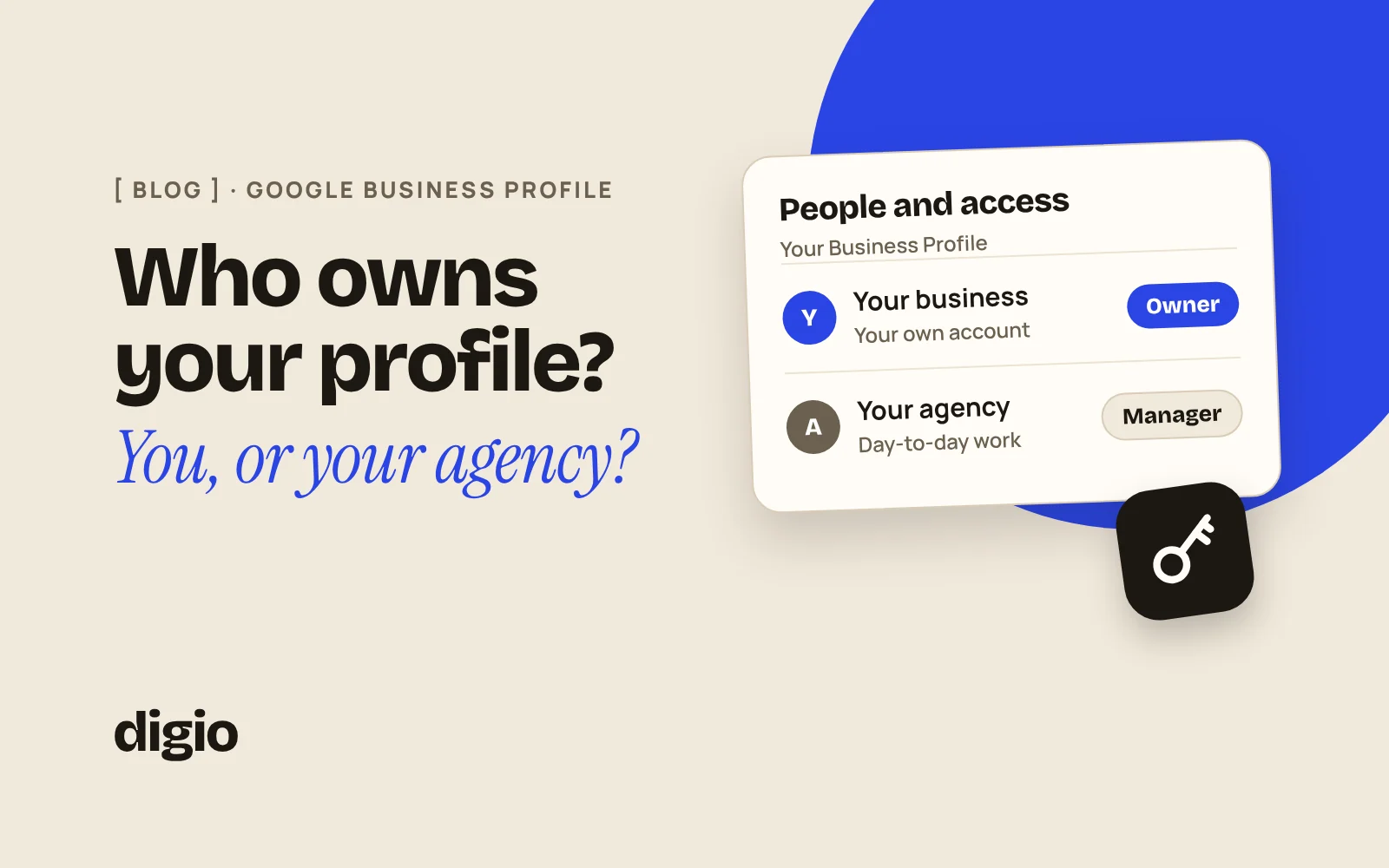
Your business should keep primary ownership of its Google Business Profile and give the agency manager access for day-to-day work. Only an owner can add or remove people and remove the profile, and only the primary owner can transfer that role, so primary ownership is what lets you end the relationship and keep everything.
Your Business Profile is the box with your name, photos, opening hours and reviews that appears on Google and Google Maps. This guide explains the two roles, how to give an agency access, and what to do if you don’t know who controls your profile.
1Owner vs manager: what can an owner do that a manager can’t?
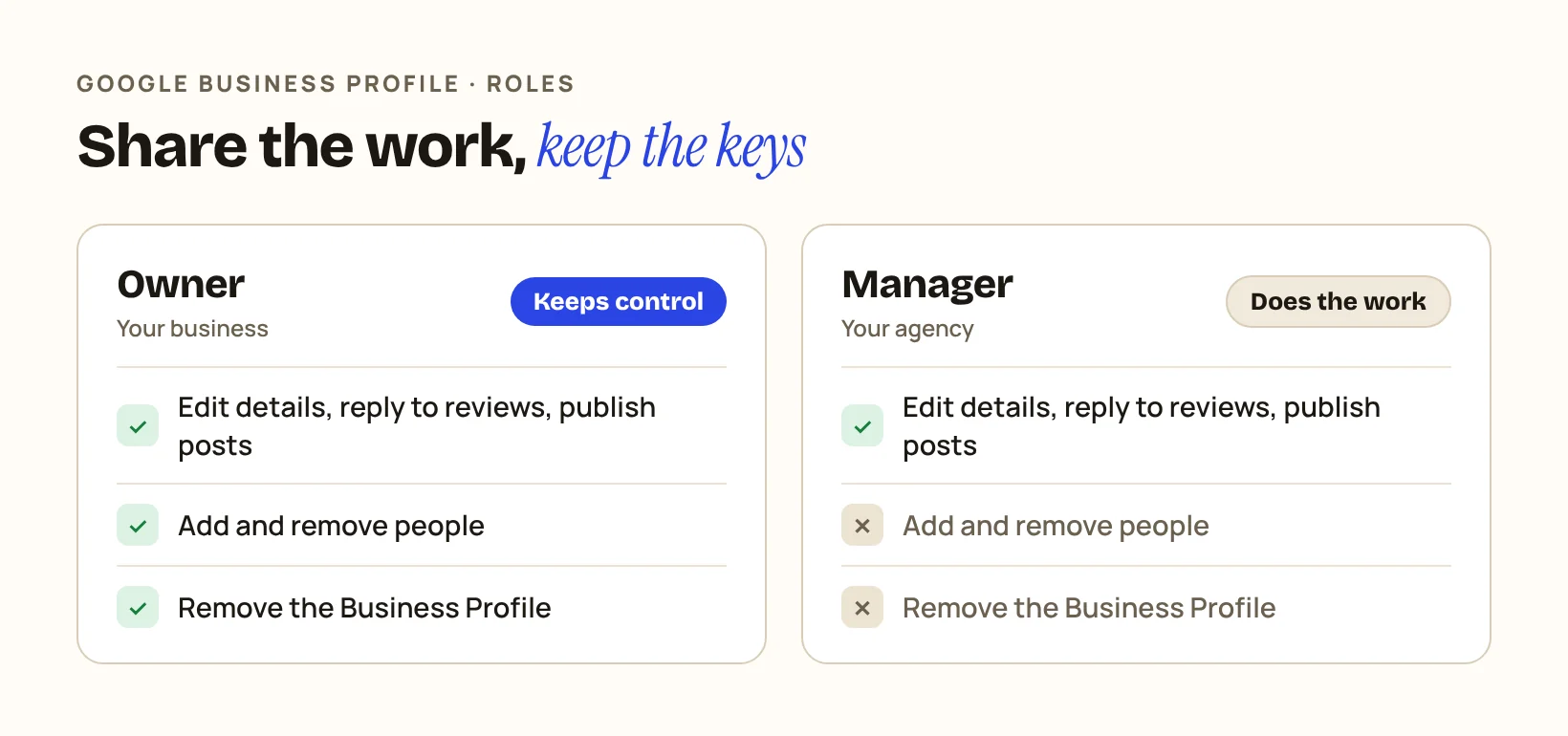
An owner can add and remove users and remove the profile. A manager cannot. Google’s help page on owners and managers says managers have mostly the same access as owners, with those two exceptions.
| What the role can do | Owner | Manager |
|---|---|---|
| Edit business information, reply to reviews, publish posts | ✓Yes | ✓Yes |
| Add and remove users | ✓Yes | ✕No |
| Remove the Business Profile | ✓Yes | ✕No |
A profile can have several owners but only one primary owner, and only the primary owner can transfer primary ownership to someone else.
Check it yourself: open your Business Profile, select More, then Business Profile settings, then People and access. Look for the role Primary owner and check that it is on a Google Account your business controls.
2Why does it matter who the owner is?
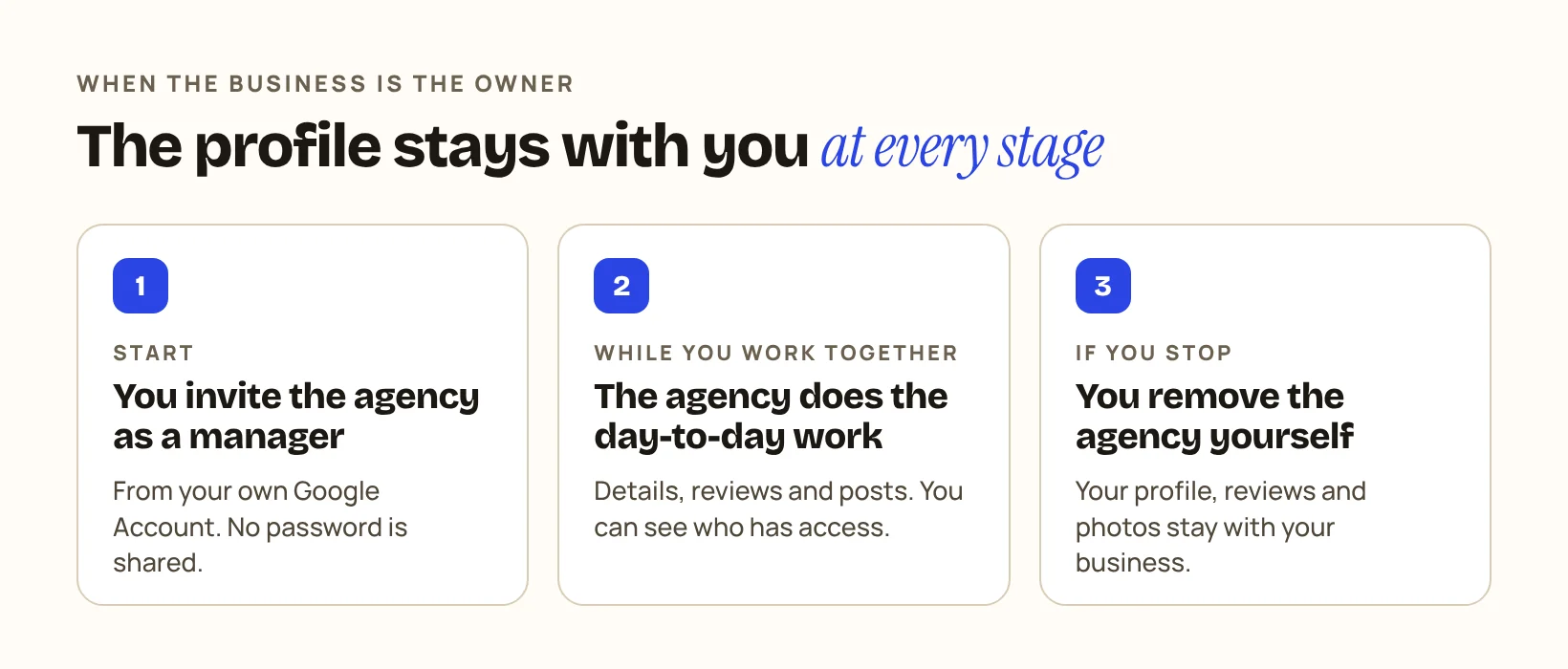
It matters on the day you stop working with the agency. If you are the owner, you remove the agency in a few clicks and keep your profile, reviews and photos. If the agency is the only owner, you depend on the agency to hand it back.
Nothing has to go wrong for this to become a problem. People change jobs, agencies close, and an email address that nobody reads any more can end up as the only owner of your listing.
If the agency holds primary ownership today, ask it to transfer that role while you are still working together. Only the current primary owner can transfer primary ownership. If the agency appears only as an owner, find out first who the primary owner is: People and access shows the role next to each name, and it may be a former employee, a previous agency or an old account of your own. The primary owner adds a Google Account your business controls as an owner and then follows the steps Google gives to transfer primary ownership: open People and access, select that account, select Edit next to Access, choose Primary owner and save.
The transfer cannot always be done on the same day. Google says a new owner or manager must wait 7 days before they can manage all the features of the profile. During those 7 days they may get an error if they try to remove other owners or managers, delete the profile, or make themselves or someone else the primary owner. That is a waiting period for the newly added account, not a promise that the handover is finished after a week, so agree the steps with the agency before you set an end date.
Choose the primary owner account with care. Use a Google Account that belongs to the business, not the personal Gmail of an employee or of whoever built your website. Add a second owner you trust as a backup, so one lost password does not lock the business out.
Check it yourself: in People and access, check that the primary owner is a Google Account your business controls and will still control in a year.
3How do I give an agency access without giving up ownership?
Invite the agency as a manager from your own account. These are the steps on Google’s owners and managers page:
Three details are worth knowing:
Check it yourself: if someone asks for your Google password to “set up the profile”, say no and send an invitation instead.
4What should I ask an agency before I give access?
Ask which role they need, who exactly will have access, and how access ends. A clear answer takes one minute.
Check it yourself: write the answers in the same email thread as the proposal, so they are on record.
5What if I don’t know who owns my profile?
Google has a process for this. If a verified profile for your business is owned by someone else, you can request ownership from the current owner: go to business.google.com/add, enter your business name and address, choose your business, and select Request Access. If you go to your customers and don’t have a shop or office, Google asks you to contact its support team instead and choose “Transfer ownership of listing”.
The current owner has three days to respond. If there is no reply, Google says you may be able to claim the profile yourself, although that option isn’t always available.
If you look for your profile and can’t find a “Claim this business” or “Own this business” button, Google says you might already be the owner. Try the other Google Accounts your business uses before you file a request.
Check it yourself: search for your business name on Google while signed in to each account your business uses. Note which one, if any, shows the option to manage the profile.
6How DIGIO handles this
In our local SEO service, your business keeps primary ownership of its Google Business Profile.
We don’t recover suspended Google profiles.
Once access is sorted, the next question is what the profile is doing for you: what your Google Business Profile numbers really tell you.